

Sale


0%


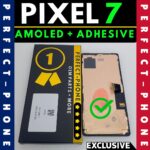


Google Pixel 6 OLED Screen Replacement with Adhesive – Fingerprint Supported
Original price was: £39.00£39.00.£36.00£36.00Current price is: £36.00£36.00. Incl.VatExcl.Vat

Samsung Galaxy A33 5G OLED Screen Replacement with Frame – Fingerprint Supported
Original price was: £34.49£34.49.£31.49£31.49Current price is: £31.49£31.49. Incl.VatExcl.Vat
Google Pixel 7 OLED Screen Replacement with Adhesive – Fingerprint Supported
Original price was: £39.00£39.00.£36.00£36.00Current price is: £36.00£36.00. Incl.VatExcl.Vat
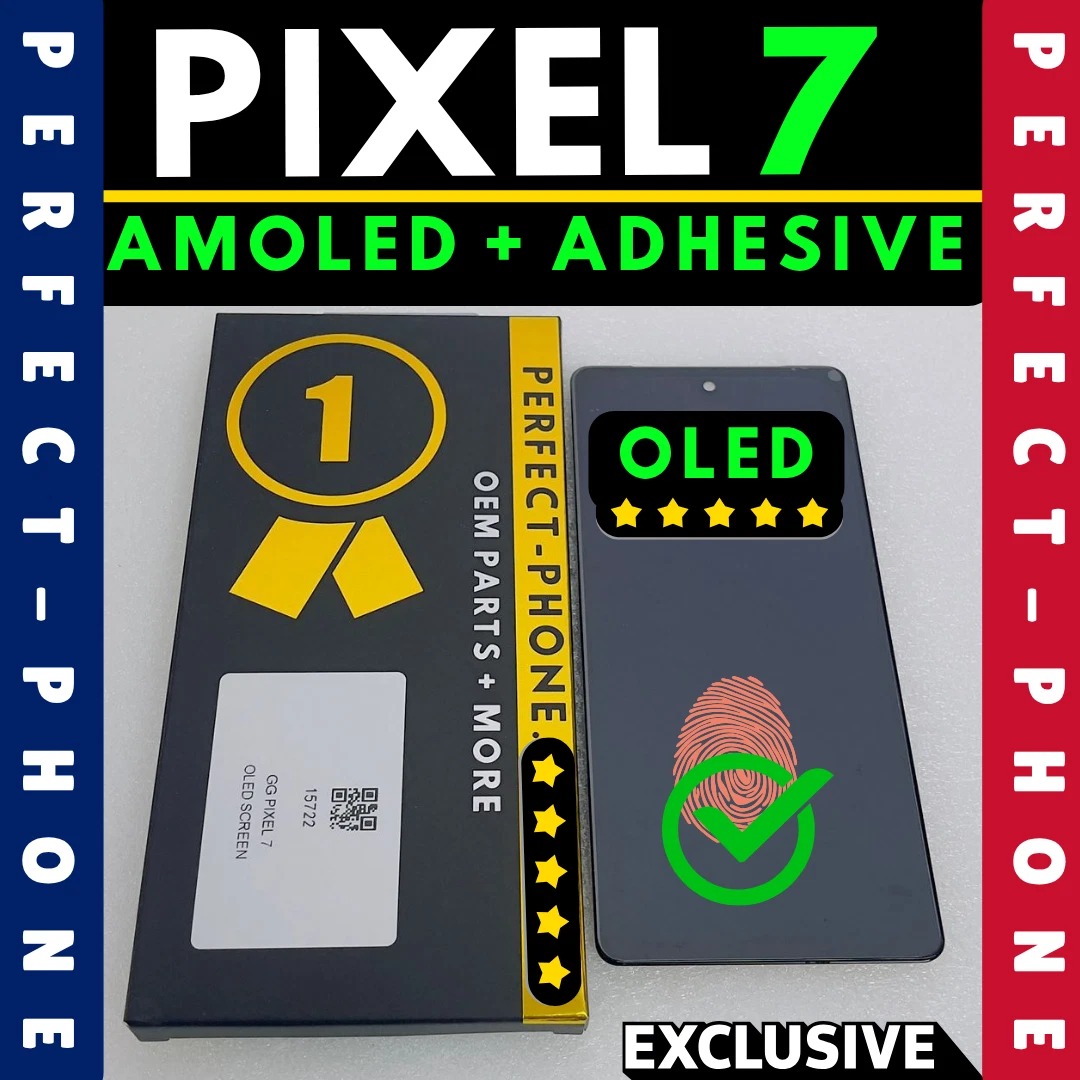
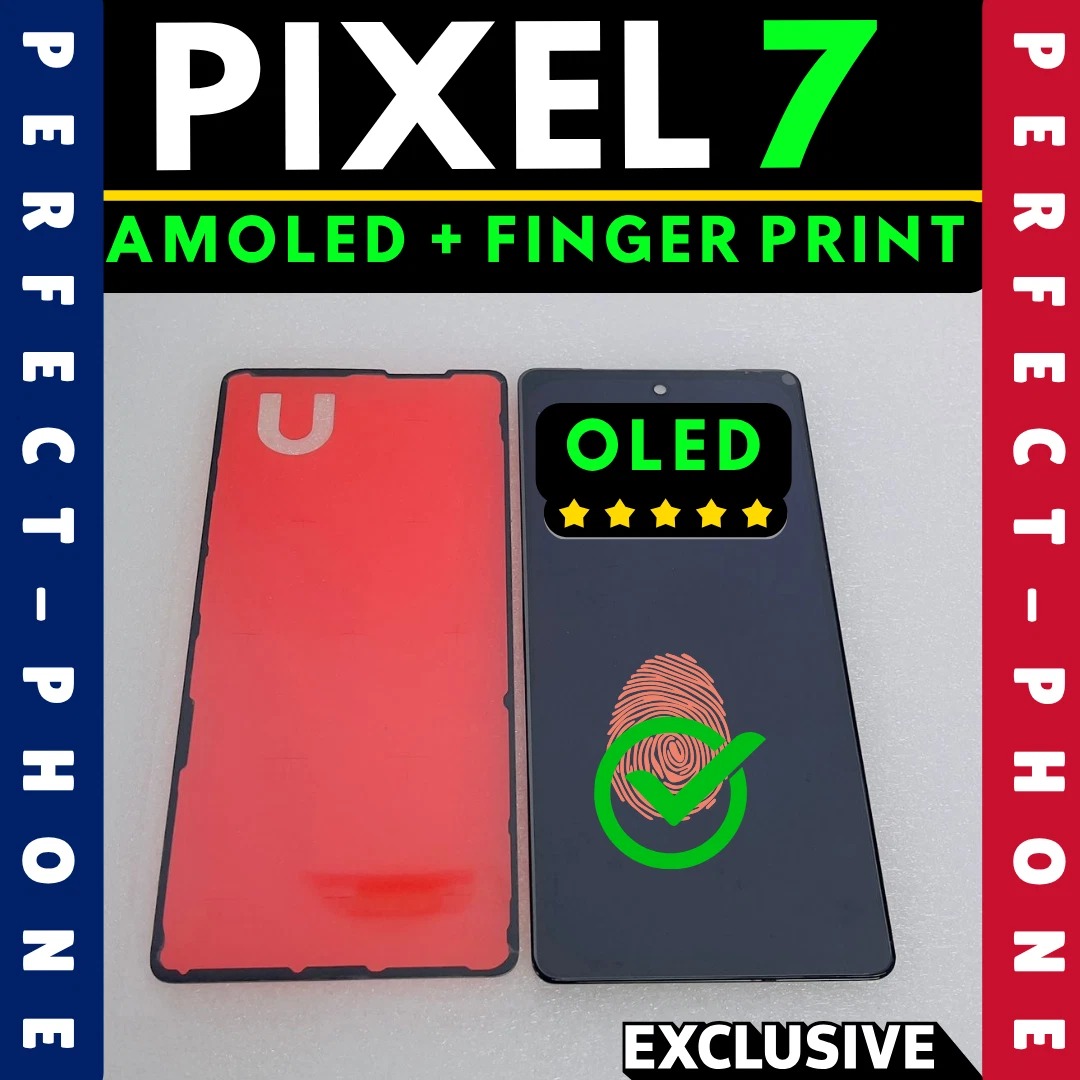
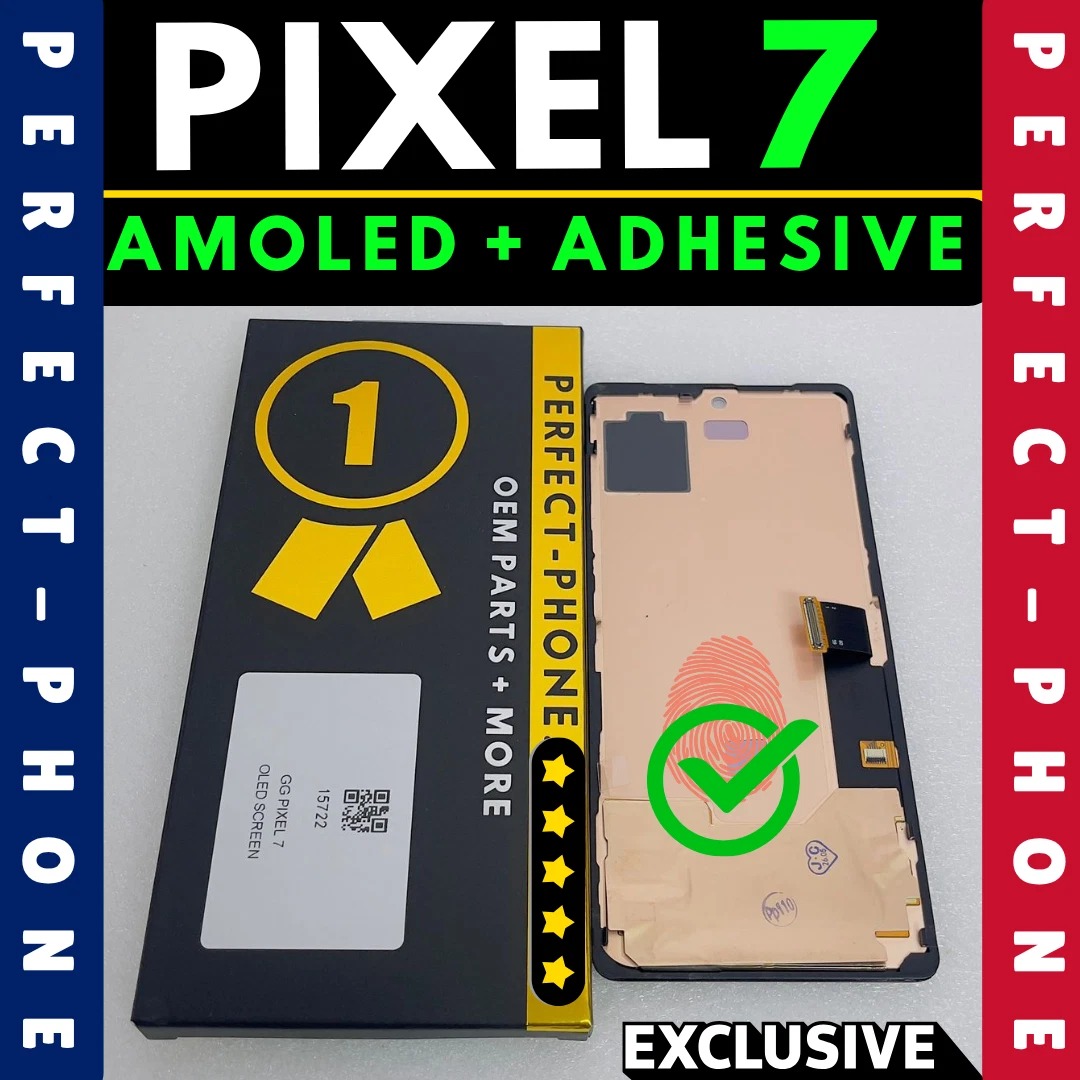
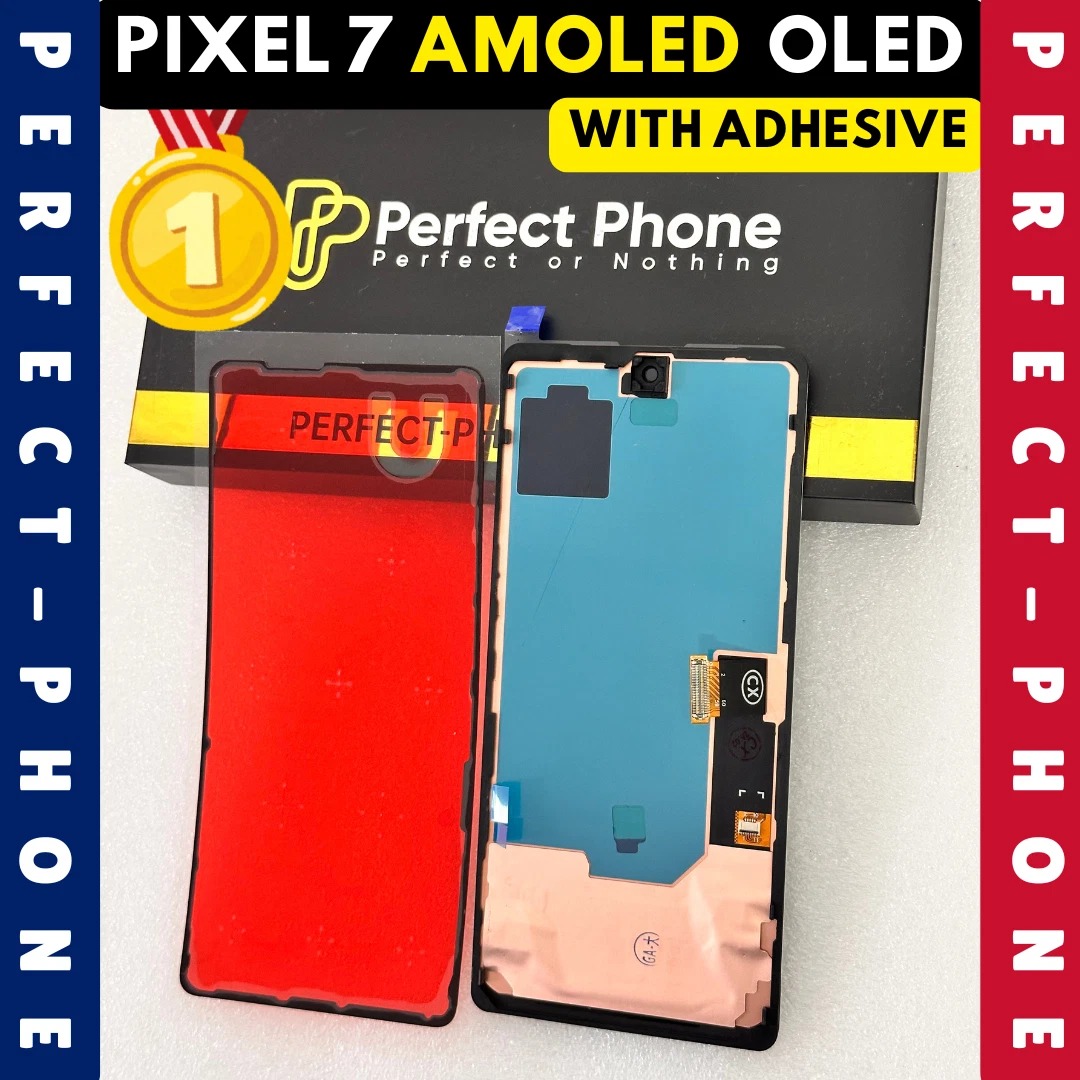
OLED replacement screen for the Google Pixel 7, supplied with adhesive. Under-display fingerprint supported. Same-day dispatch and tracked UK delivery.
18 in stock
Description
Description
Perfect Phone · Google Pixel Screens
Google Pixel 7 OLED Screen
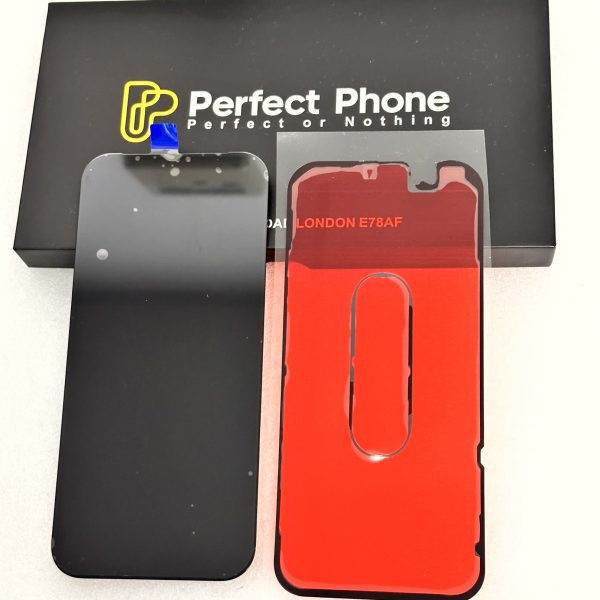
Bring a cracked or faulty Google Pixel 7 back to life. An OLED replacement screen with adhesive included: deep blacks, vivid colour, and the under-display fingerprint sensor still works.
OLED DisplayFingerprint SupportedAdhesive IncludedSame-Day Dispatch

Fits model codes
Google Pixel 7
GVU6CGQML3GO3Z5
Find yours: Settings › About phone › Regulatory labels
Exact Fit
Made for the Google Pixel 7 only: model codes GVU6C, GQML3 and GO3Z5.
OLED Picture
Deep blacks, rich colour and wide viewing angles.
Adhesive Included
Adhesive in the box to seal the new screen back into the phone.
Fingerprint Ready
Transfer the fingerprint flex from the old OLED, then calibrate it with Google’s repair tool (steps below).
What It Fixes
✓Cracked or shattered glass
✓Black, blank or dead screen
✓Lines, dead pixels or flickering
✓Touch not responding or ghost touches
Specifications
PartOLED screen assembly with adhesive
Display typeOLED
FingerprintUnder-display supported
AdhesiveIncluded
Compatible modelPixel 7
Model codesGVU6C / GQML3 / GO3Z5
Part number15722
Fingerprint Setup After Fitting
The under-display fingerprint sensor needs moving to the new screen and calibrating with Google’s official repair tool.
01
Transfer the flex
Move the fingerprint sensor flex from the old OLED to the new one. Keep it clean and sitting flat against the panel.
02
Prepare the phone
Back up the phone, then turn on Developer options and USB debugging.
03
Enter Fastboot
Power off, then hold Volume Down + Power until Fastboot mode shows.
04
Calibrate with Google
On a computer, open pixelrepair.withgoogle.com/udfps in Chrome or Edge, connect a USB-C data cable, click Connect Phone and choose fingerprint calibration.
05
Re-register
Restart the phone and add your fingerprints again. If calibration fails, run it once more.
Windows PCs may need the Google USB driver. Mac computers usually work without one.
!
Before you fit. Pixel screens are model-specific: check your model code in Settings > About phone > Regulatory labels. Follow the fingerprint setup steps above to move and calibrate the sensor. Test touch, display and fingerprint before sealing the phone. Need a spare seal? See our Google Pixel 7 screen adhesive seal.
Shipping & Delivery
Related products

Sale New
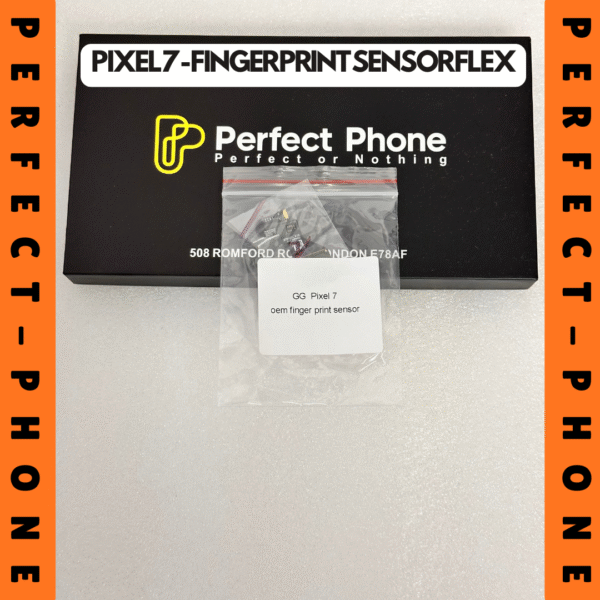
GOOGLE PIXEL 7 OEM FINGER PRINT SENSOR FLEX CABLE CONNECTOR
Original price was: £8.50£8.50.£5.50£5.50Current price is: £5.50£5.50. Incl.VatExcl.Vat
Sale New

Google Pixel 7 Screen Adhesive Seal
Original price was: £8.95£8.95.£5.95£5.95Current price is: £5.95£5.95. Incl.VatExcl.Vat
Sale
Google Pixel 7 Back Glass Replacement – OEM Rear Cover with Free Pre-Applied Adhesive (GVU6C / GQML3 / GO3Z5)
Black
Green
White

Sale

Google Pixel 7 Pro OLED Screen Replacement with Adhesive – Fingerprint Supported
Original price was: £39.00£39.00.£36.00£36.00Current price is: £36.00£36.00. Incl.VatExcl.Vat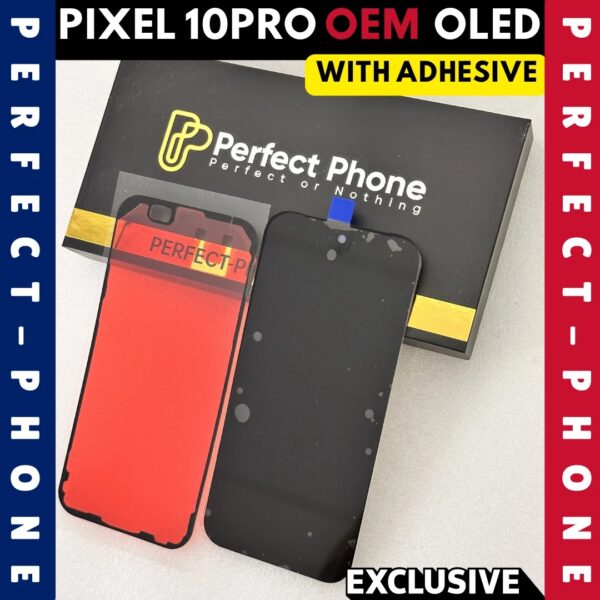
Sale New
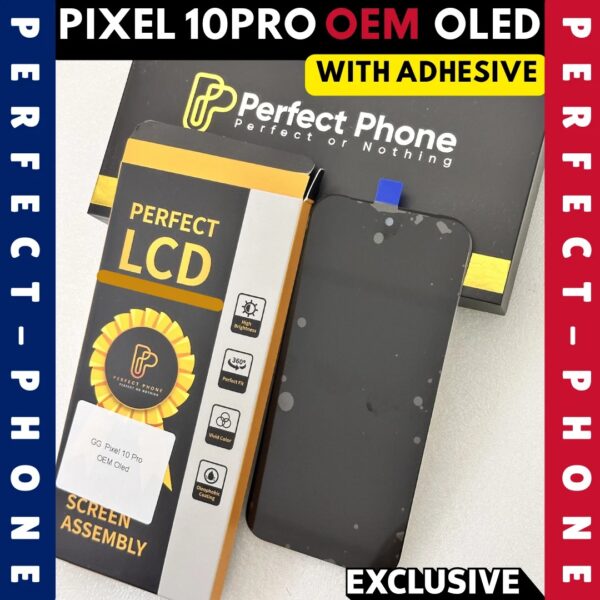
Google Pixel 10 Pro OEM OLED Screen Replacement with Adhesive – Fingerprint Supported
Original price was: £128.95£128.95.£125.95£125.95Current price is: £125.95£125.95. Incl.VatExcl.Vat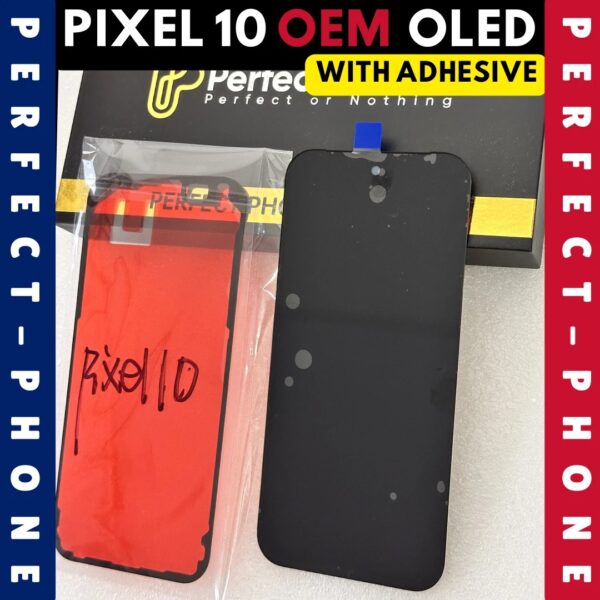
Sale New
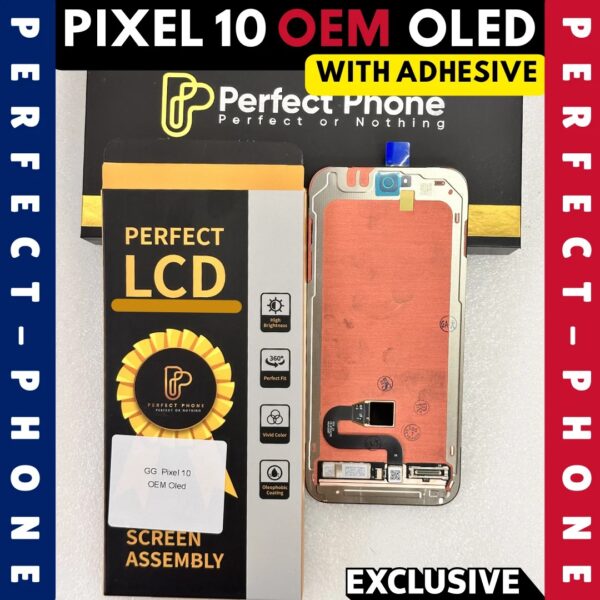
Google Pixel 10 OEM OLED Screen Replacement with Adhesive – Fingerprint Supported
Original price was: £103.95£103.95.£100.95£100.95Current price is: £100.95£100.95. Incl.VatExcl.Vat
Sale New
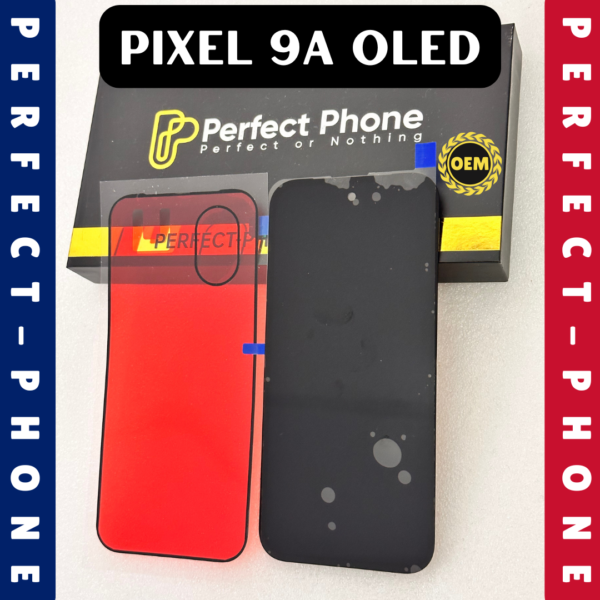
Google Pixel 9a OEM OLED Screen Replacement with Adhesive – Fingerprint Supported
Original price was: £93.95£93.95.£90.95£90.95Current price is: £90.95£90.95. Incl.VatExcl.Vat
Sale New